Pico Weather & GPS, Part 2
This post is a follow-up to the Pico Weather & GPS post, where I introduced my effort to add GPS to the portable weather station created earlier.
One thing I discovered is an issue where the Pico board would hang at the logo display and not proceed further. I determined the contributing factor was the code which was attempting to gather GPGGA sentences from the GPS module. Because of the Cold Start time where there seemed to be no legitimate sentences available, the software basically froze. After a delay and reset, the Pico would start over when there were good sentences available. The caveat is the Pico board has no reset other than removing the power and then re-applying. Of course, that also removed power from the GPS module…
So I tried moving code around, making some cumbersome if() loops and for() loops, none which worked. Then it dawned that what I needed to do perhaps, was reboot only part of the system. But how do do that on the Pico, or the Pimoroni RP2040? The Pimoroni already has a reset button, in addition to the BOOTSEL button, so I tried that first, with mostly unsatisfactory results.
So I searched the Internet to see if anyone had a solution to the Pico’s reset issue. And, lo and behold, someone had! On the GitHub repository, I found a simple solution that (so far) works great, and is fairly simple to implement. Even though I haven’t really figured exactly how it works, I do know it uses the watchdog() function to timeout and reset. The instructions are clear and to the point on implementation. I found it easier to move the two important files (bootsel-reboot.cpp and bootsel_reboot.hpp) to the top-level directory for my project, and modify the CMakeFile.txt. I structure my projects in groups, where sub-groups are under those. This placed them lower than two levels in many cases, so rather than modify each CMakeFile.txt to compensate, I just moved the two above-mentioned files.
On to the next hurdle… In my particular case with the weather station project, the Pico logo display delay was timing out the watchdog() making for continual resets. However, that was a simple fix, just extend the timeout by changing #define WATCHDOG_TIMEOUT 2000 // Milliseconds in the bootsel-reboot.hpp file.
I also changed some of the string variables to placeholder strings until a legitimate string was available from the GPS module. This seemed to work really well as the other parameters were shown even though no GPS coordinates were present.
The next decision was, “Should I do the same with the Pimoroni RP2040 board, which already has a reset?” Well, I found pressing the reset button did not give me the results of the Pico board with the watchdog() reboot. So I did install the same configuration of the Pico onto the RP2040, and it then gave the same performance! Yay!
So, right from the README.md file, Here is the usage:
In your CMakeLists.txt make sure to add bootsel-reboot.cpp to the add_executable() block.
At the top of your application add #include "bootsel-reboot.hpp"
At the start of your application entry point (usually the int main() function) add arm_watchdog(); after stdio_init_all();
In your application main loop call check_bootsel_button(); frequently
In my case, I added the check_bootsel_button(); twice to ensure it wouldn’t time out. Works great!
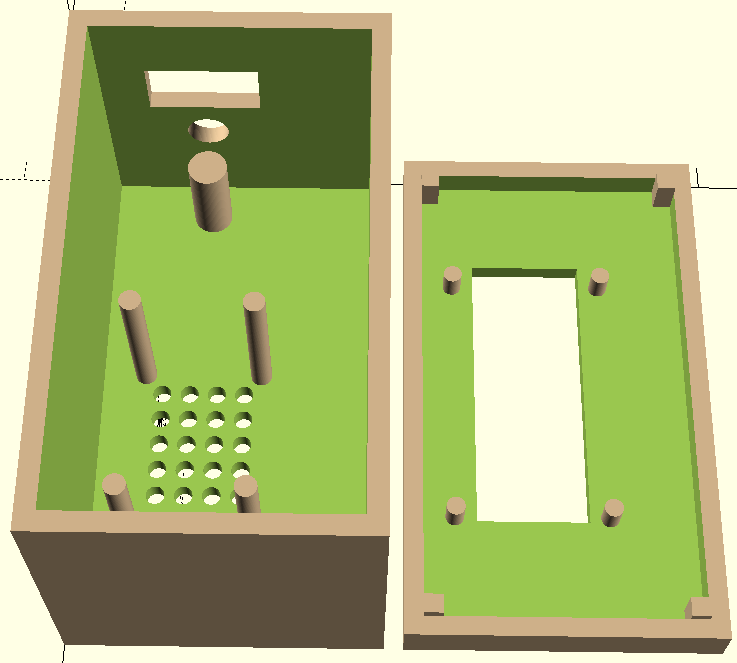
So now the next step is modifying the original case to accomodate the GPS module and larger display (128x64). The original case looks like this:
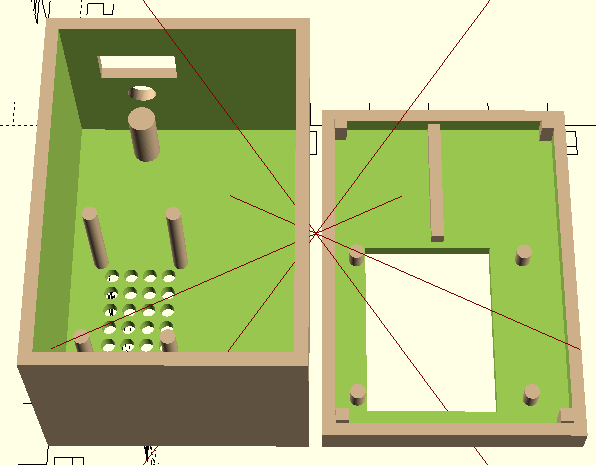
The new case was expanded and looks like this.
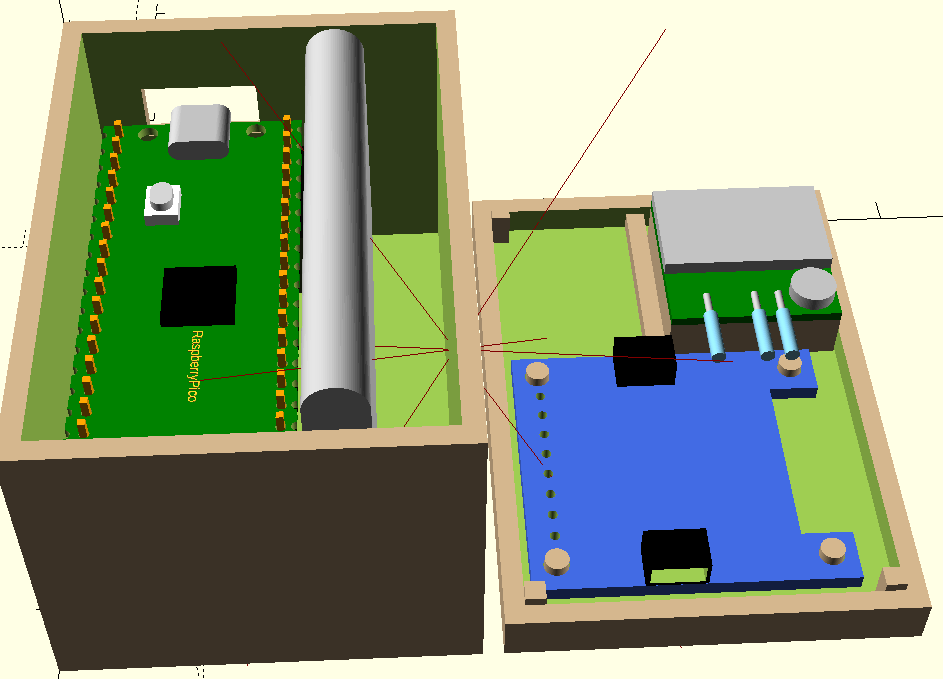
With the visible components in place, notice the extra space beside the LiPo battery. That could possible be used in the future for some other sensor. Time will tell…
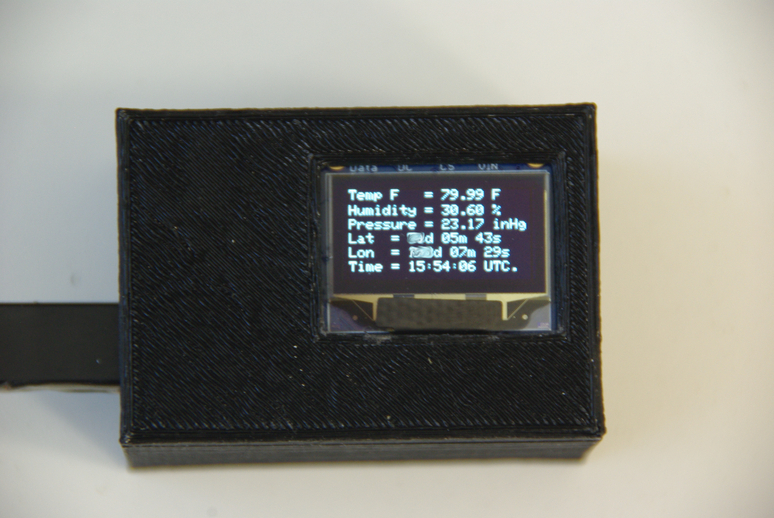
Here is an image of the 3D printed case. I used the Pico board, the BME280 sensor, the GP-1818MX GPS module, a OLED 128x64 display, a LiPo battery and the LiPo shim for power control. The battery is charged through the micro-USB jack.
So that’s it for now. God Bless you and yours! Stay safe.