reMarkable Too
Over the centuries (I mean years) I have had to write things down, using of course, a notepad or scraps of paper. This applies to random subjects, drawings, electronic designs or mechanical diagrams. However, I recently ran across a really nice notepad which used e-ink technology, called the reMarkable 2, found at Remarkable.com.
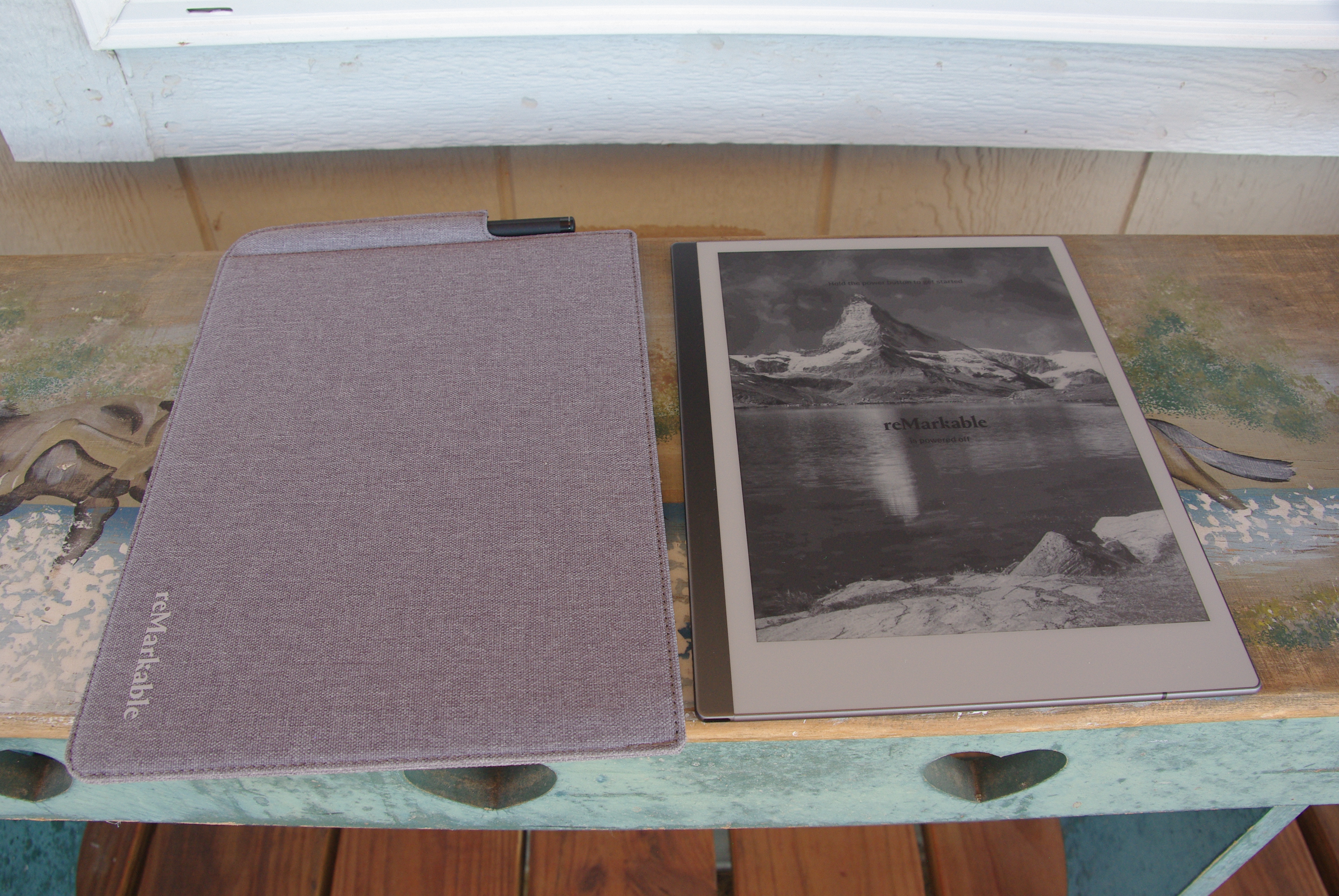
What’s really handy is it is based on Linux, a version called “Zero Sugar.” The reMarkable 2 offers additional options, described on the website. Of course, I already have changed the screens a bit, the poweroff screen image shown above, and the sleep screen depicted below.
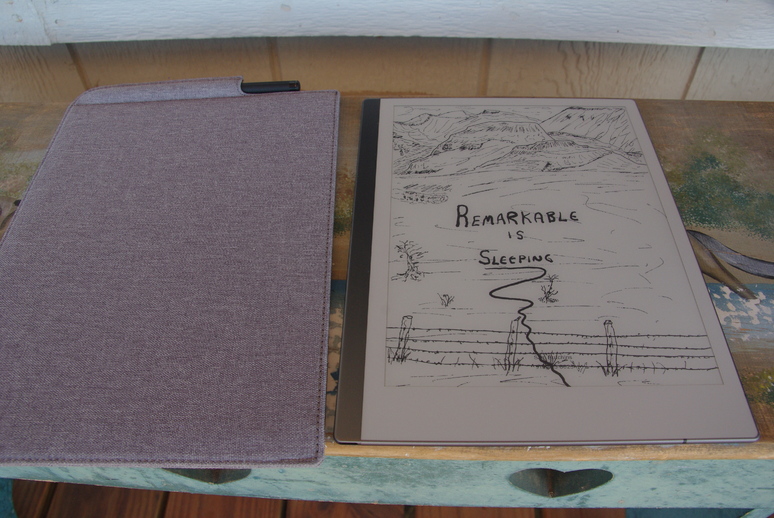
It’s fairly easy to do these things. Using a standard USB-A to USB-C cable is all that’s required. And the USB cable comes with the reMarkable. Using ssh to login is simple, as so.
ssh root@10.11.99.1After entering the password, found in Settings/Help/Copyrights, navigate to the /usr/share/remarkable/ folder. There, two files called suspended.png and poweroff.png can be changed to whichever images you wish. The files need to be 1404 x 1872 pixels. I used GIMP to make my files. One file I drew on the reMarkable tablet, transferred it to the Linux computer into LibreDraw, exported it as a .png file into GIMP, adjusted the size, then re-exported it for transfer back to the tablet. I used sftp to transfer the files back and forth. Presto! Done!
I researched the above to find how to accomplish these steps. There are many references on the Internet, so I will not regurgitate this information here. So, have a great day. Praise God for His Grace!